Forecast
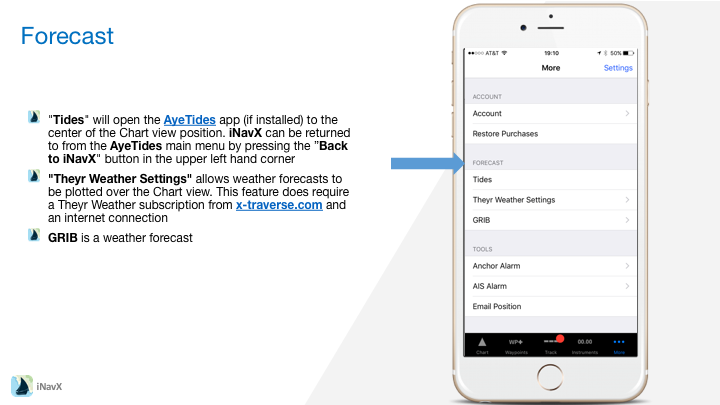
"Tides" will open the AyeTides app (if installed) to the center of the Chart view position. iNavX can be returned to from the AyeTides main menu by pressing the "<=" button in the upper left hand corner.

A GRIB is a weather forecast (GFS NOAA Model). In order to use the GRIB functions, an account at x-traverse.com must be created.

"Request GRIB" will instruct x-traverse.com to add a GRIB weather forecast to the file queue. The requested GRIB will cover an area of 40 x 40 degrees centered upon the Chart view and include 6 hour out to 72 hour forecasts. It will take approximately one minute before the GRIB is available. At x-traverse.com in the "Settings", the option to have the GRIB file emailed is available by selecting "Forward GRIB Notifications".

"Import GRIB" will show the available GRIBs on x-traverse.com. Once a GRIB is selected in the "GRIBs" section, the specific date/time (local time) can be selected to show the forecast on the chart. [<<] and [>>] buttons can be selected on the chart to decrement or increment the forecast date. Note: GRIB data is at 1/2 degree increments so be sure to use a chart that covers enough area to see the GRIB data (i.e. small scale) .

"Show GRIB" in the "Setup" on the Chart view toggles display of the GRIB. By default each full tick on each barb represents 10 knots. "Wind Speed" in the "Units" "Setup" view can be selected to change the units of each tick.


Contents